PDF and document lock
Store private PDFs, office documents, text files and personal records.
Private file protection
Give PDFs, documents, archives, receipts and IDs a private place away from everyday storage.


Private file workflow
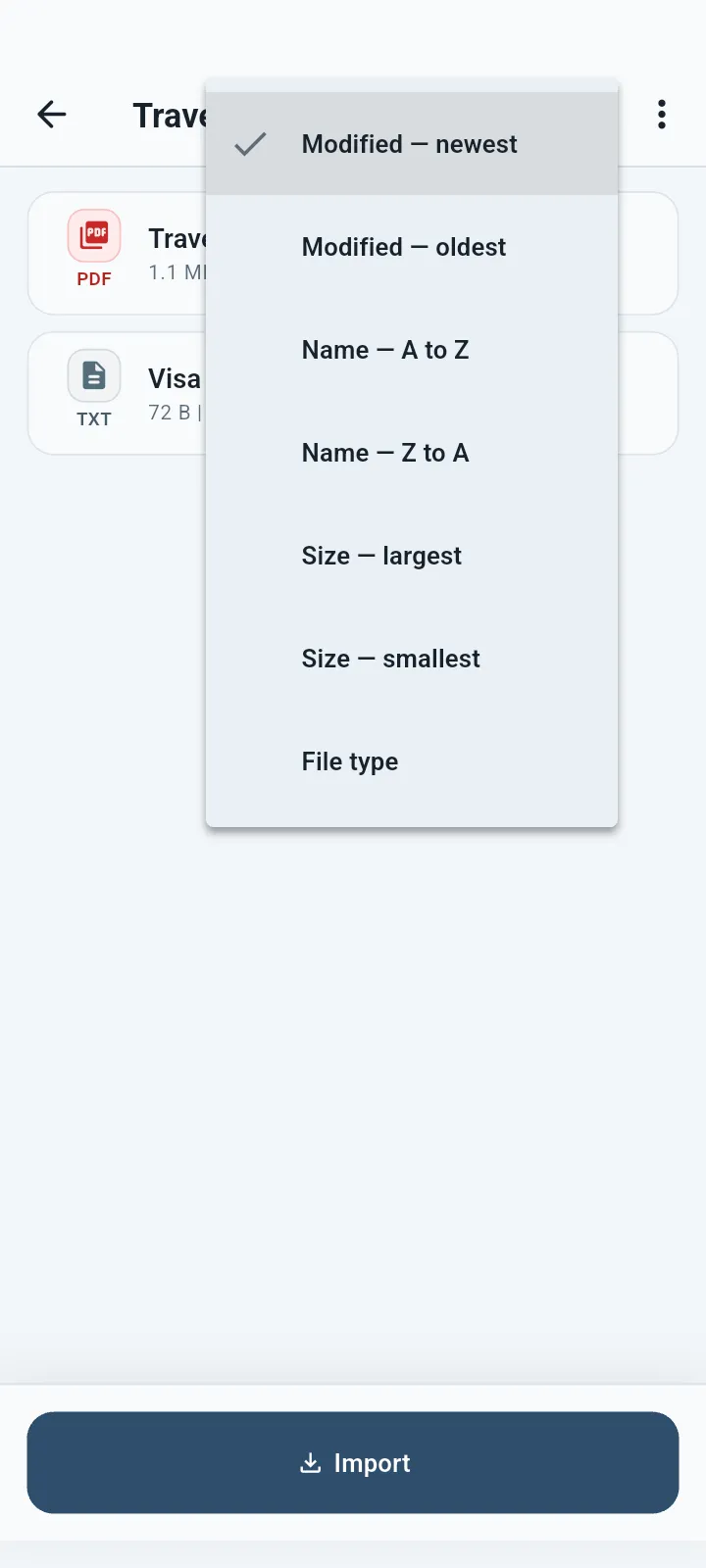
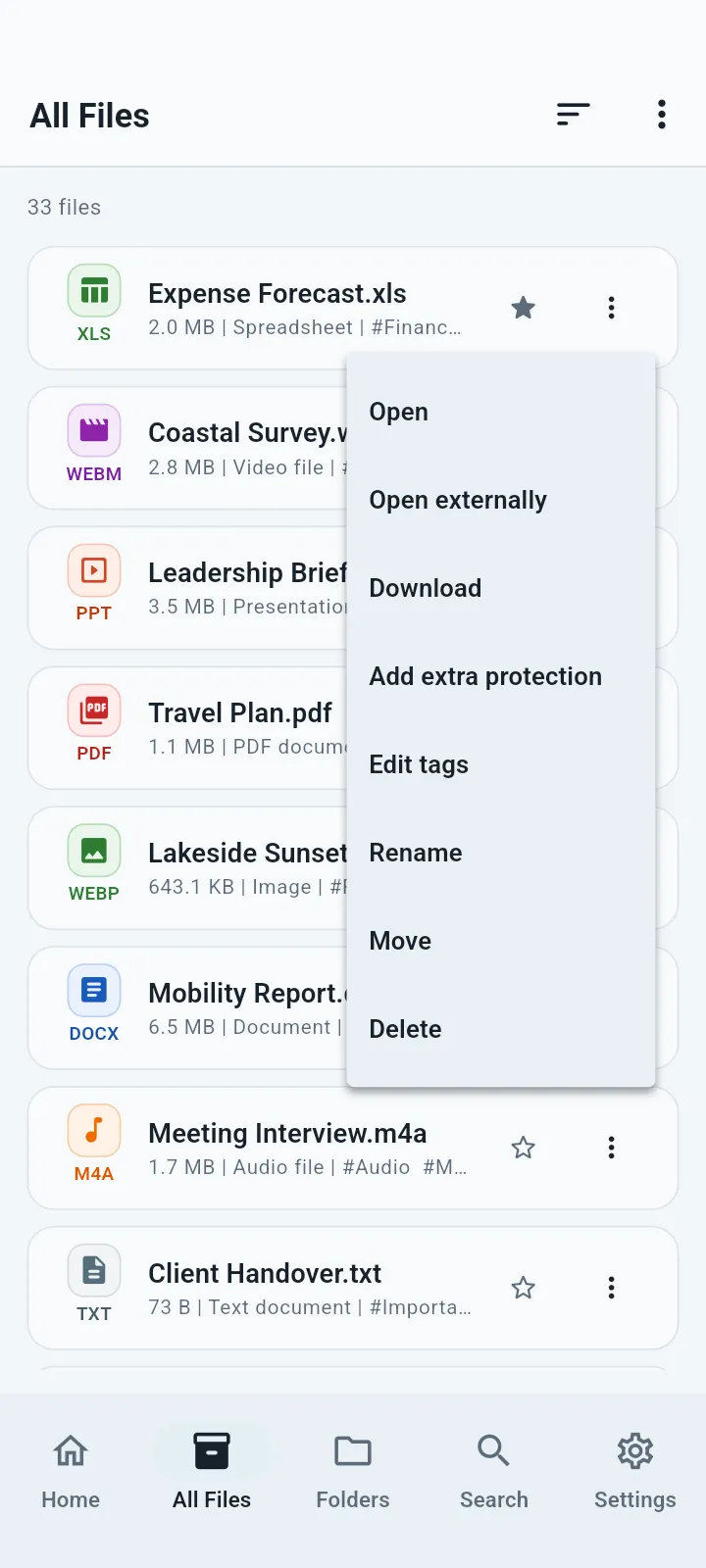
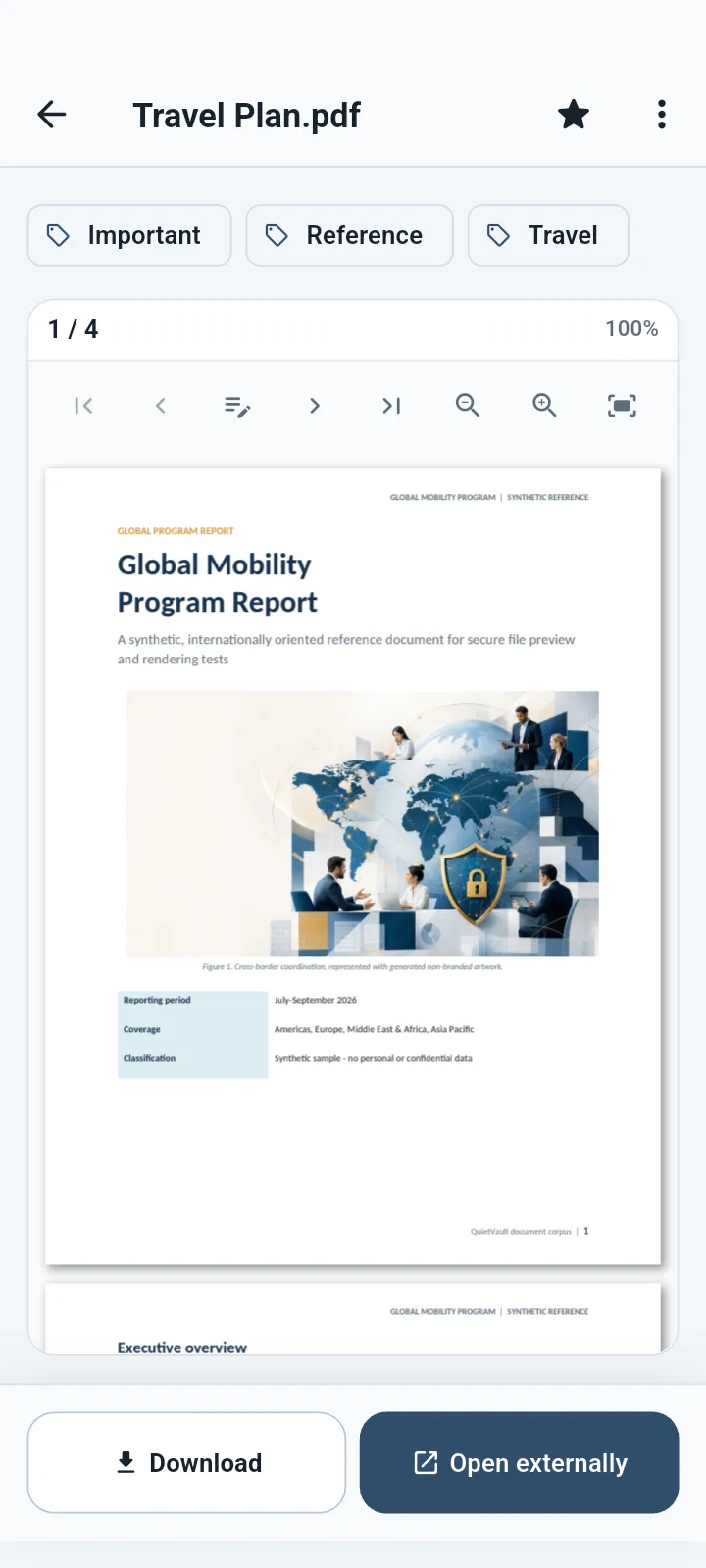
Browse useful file details, change the order, choose file actions and open supported documents.
What you can do
When you import a file, QuietVault creates an encrypted vault copy. Where supported, you choose whether to keep or delete the original.
Store private PDFs, office documents, text files and personal records.
Premium can add another lock to especially sensitive files or folders.
Use folders, tags, favorites, recent items and archive.
Open compatible PDFs, Office documents, text, images, audio and video inside QuietVault.
Export selected files only when you choose.
Create an encrypted backup outside QuietVault before removing the app or changing devices.
Good for
QuietVault protects the copy you place inside the vault. If you keep the original elsewhere, manage that copy separately.
Common questions
The vault copy is encrypted and QuietVault is protected by your password or PIN, with optional biometric quick unlock.
No. QuietVault does not hold a copy of your vault password or PIN.
Yes. It can remain protected and you can open or export it to another app only when you choose.
QuietVault previews many common formats, but exact support depends on the file, codec, device and operating system.
Available for Android, iPhone, iPad and Mac.