Photo lock
Keep personal photos in encrypted vault storage.
Private photos and videos
Keep personal photos, screenshots, scans, images and supported videos together, with folders and in-app viewing.


Private media
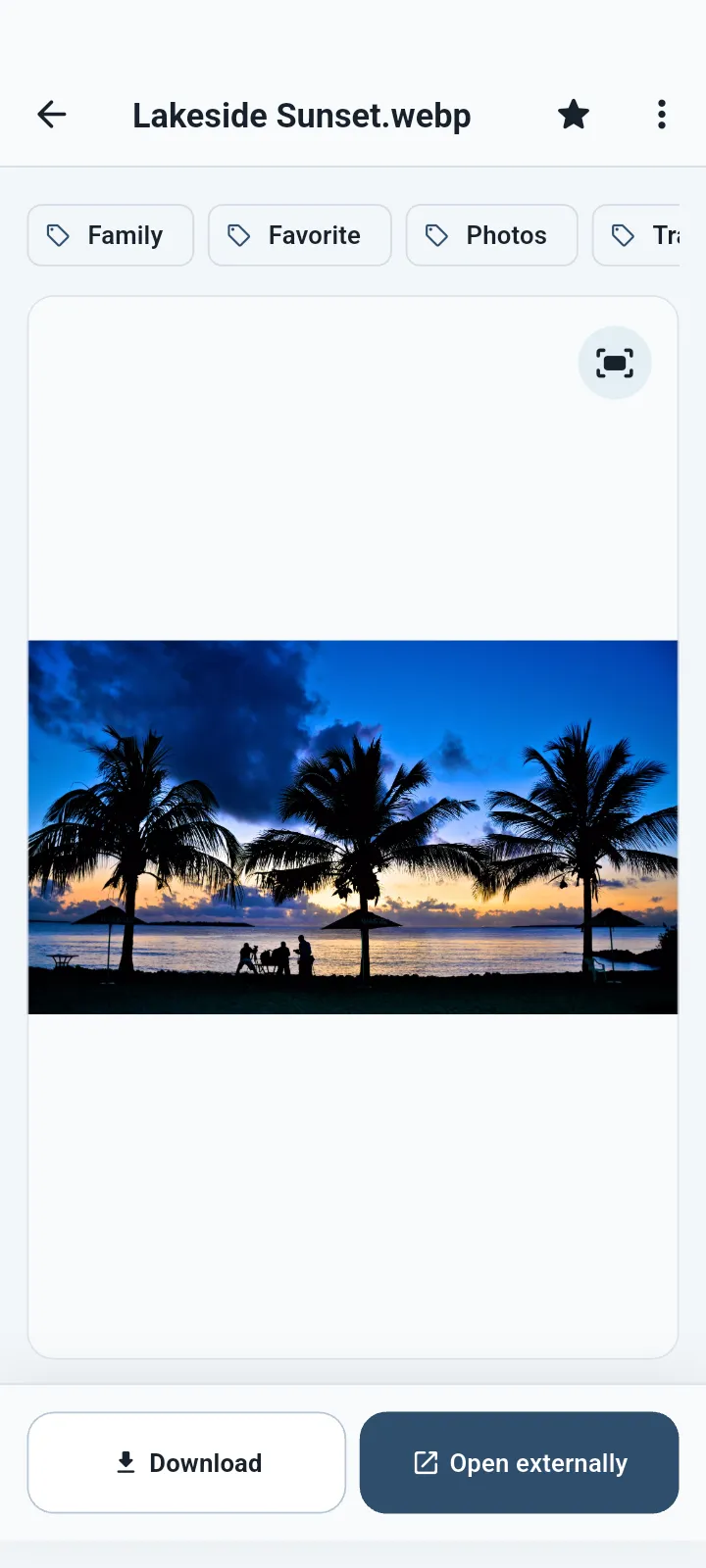
Select photos with the system picker, then open compatible images inside QuietVault.
What you can do
Import selected photos and videos, organize them in folders, and use tags or favorites to find them. If you keep the original, it remains outside the vault too.
Keep personal photos in encrypted vault storage.
View compatible JPG, JPEG, PNG, GIF, WebP and SVG files inside the app.
Play compatible private video and audio files without first exporting them.
Group private media by purpose without losing useful names.
Premium can block screenshots and app previews on supported platforms.
Save an encrypted copy outside the app before uninstalling or moving devices.
Good for
QuietVault protects the copy you place inside the vault. If you keep the original elsewhere, manage that copy separately.
Common questions
Where supported, you choose whether to keep or delete the original after import.
Video and audio support depends on the codec and what your device can play. Unsupported files can still remain protected.
No. The current QuietVault release does not upload vault content to a hosted QuietVault cloud.
Available for Android, iPhone, iPad and Mac.