Folder lock
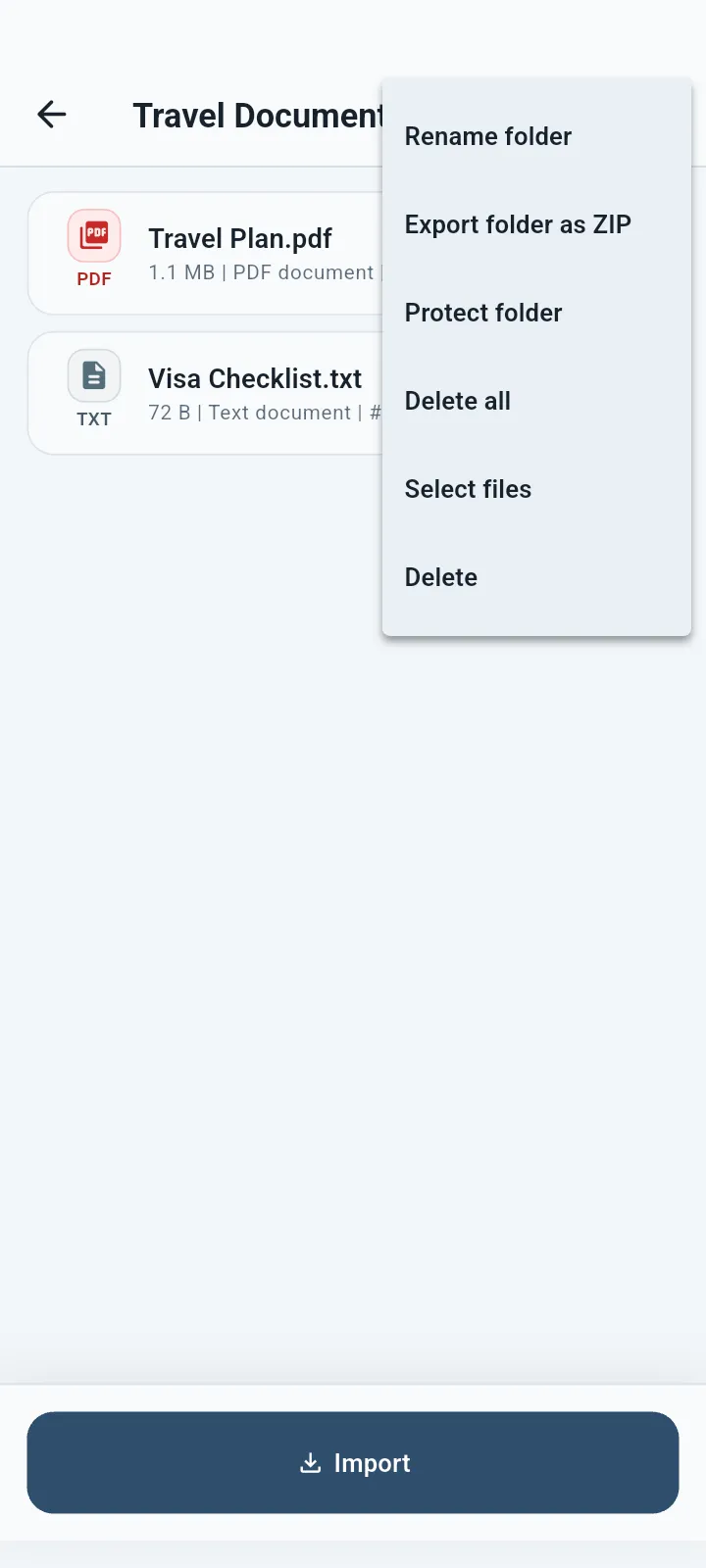
Premium can protect a folder and the files inside it.
Private folder organization
Create clear, named folders for documents, photos, receipts, IDs and personal records, then add another lock when needed.


Private organization
Keep familiar names, sort the files inside a folder and protect selected folders when needed.
What you can do
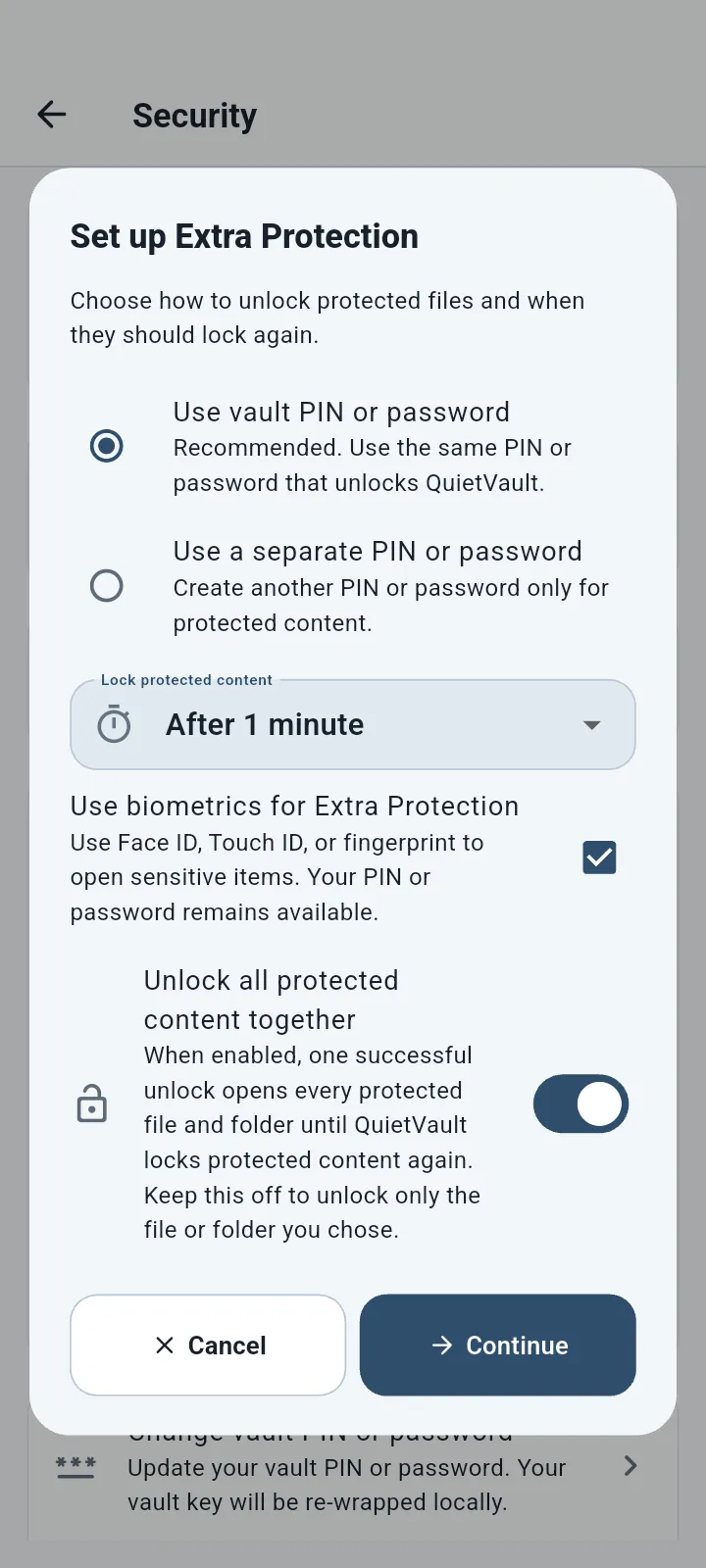
Folder names stay useful and easy to recognize. Premium Extra Protection can add another lock to selected folders and their contents.
Premium can protect a folder and the files inside it.
Add reusable tags and open a tag to see matching files.
Keep frequently used files easy to reach without moving them.
Move older items out of daily views while keeping them in the vault.
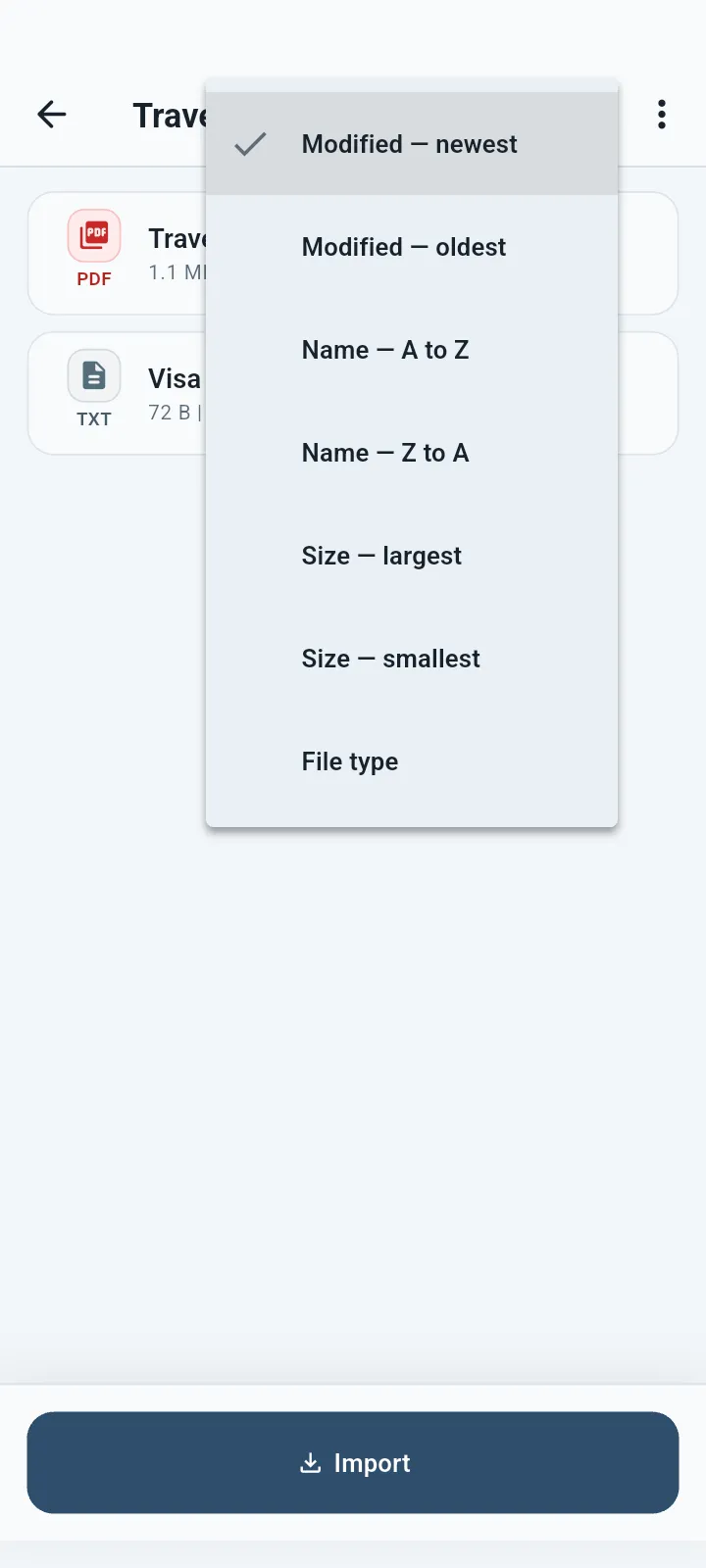
Order files by name, modified time, size or file type.
Search file names, details and supported recognized text.
Good for
QuietVault protects the copy you place inside the vault. If you keep the original elsewhere, manage that copy separately.
Common questions
Yes. QuietVault respects the folder protection when its files appear through another view such as search or tags.
Yes. Extra Protection can be added to one file without protecting its whole folder.
Yes. Open any tag to see its matching files.
Available for Android, iPhone, iPad and Mac.