File lock
Protect PDFs, documents, archives and other private files.
QuietVault features
Keep private files together, organize them clearly and protect them on your device. No QuietVault account is required.


Inside QuietVault
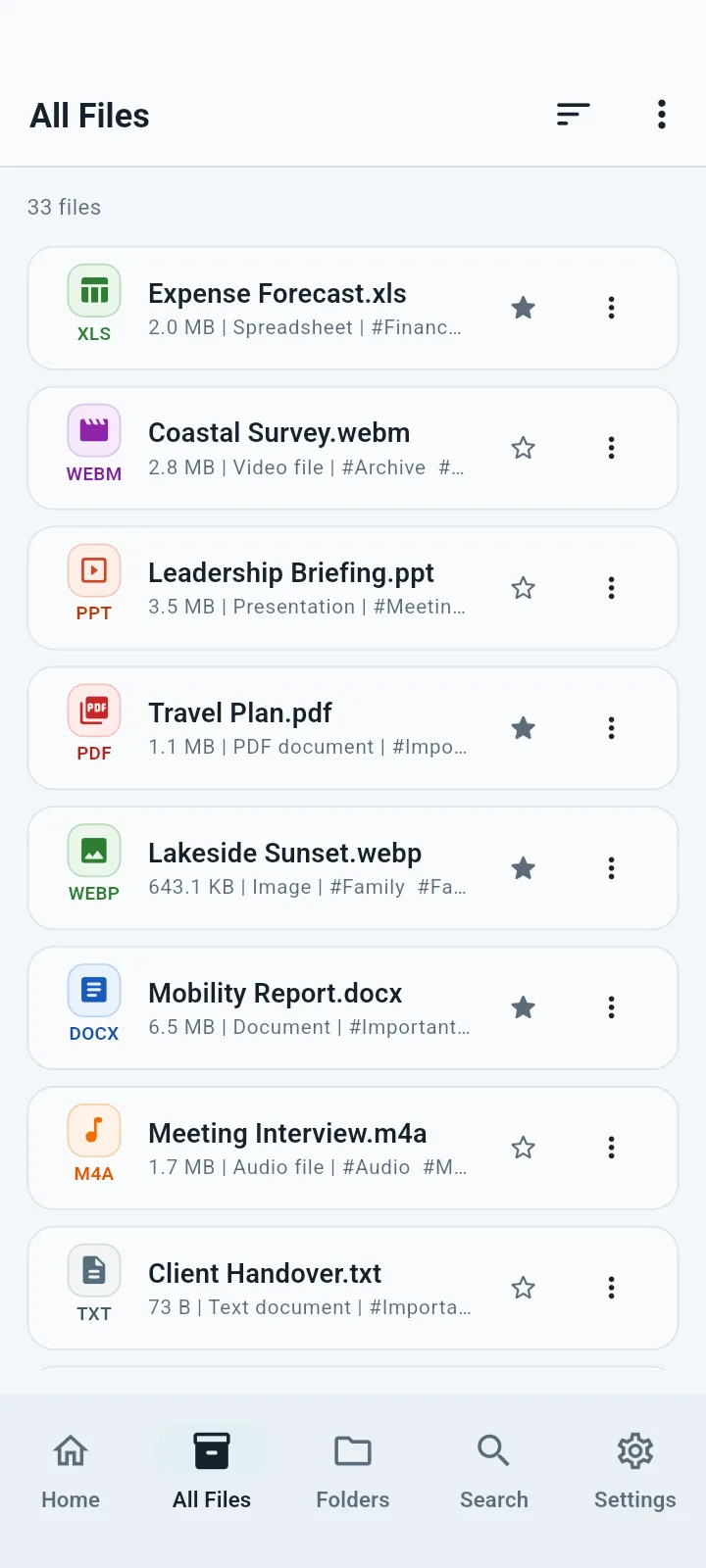
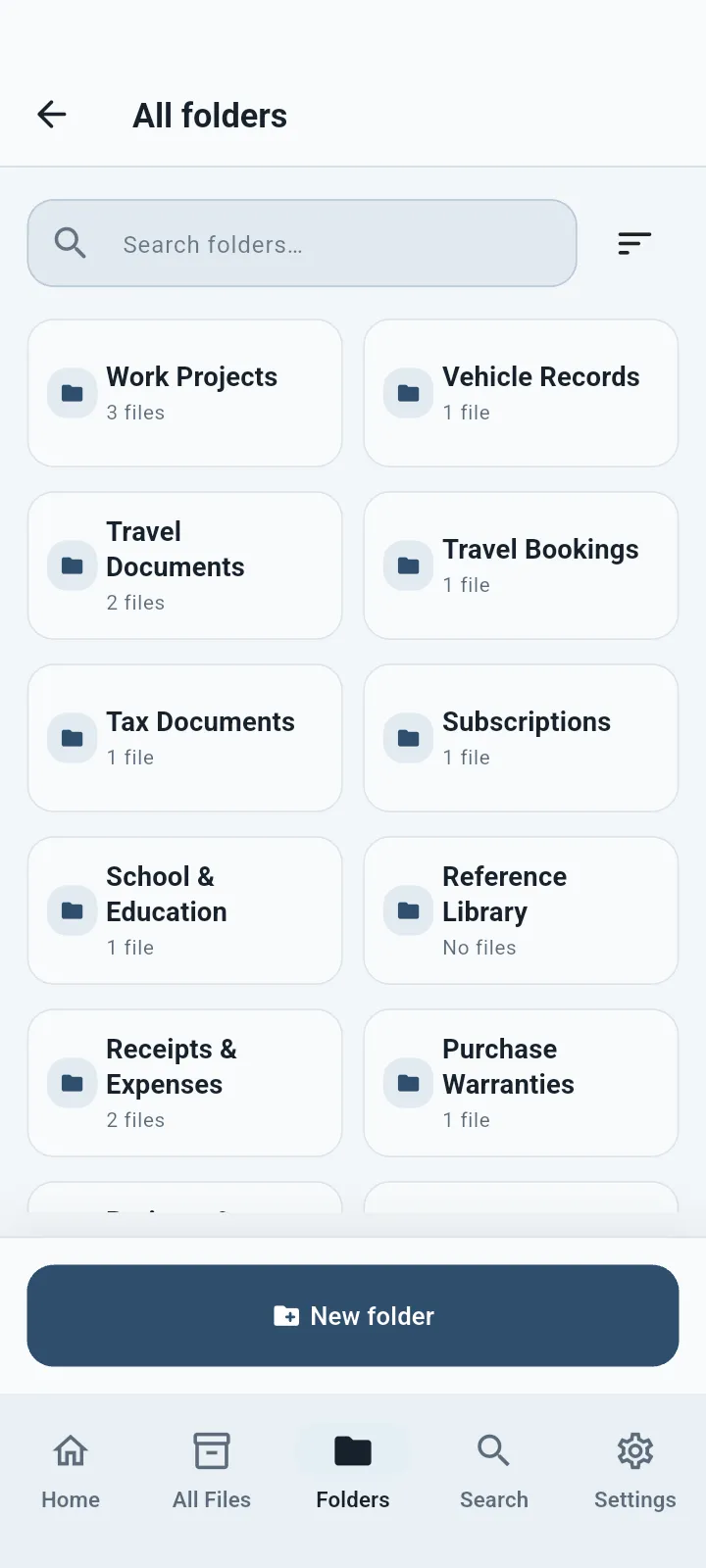
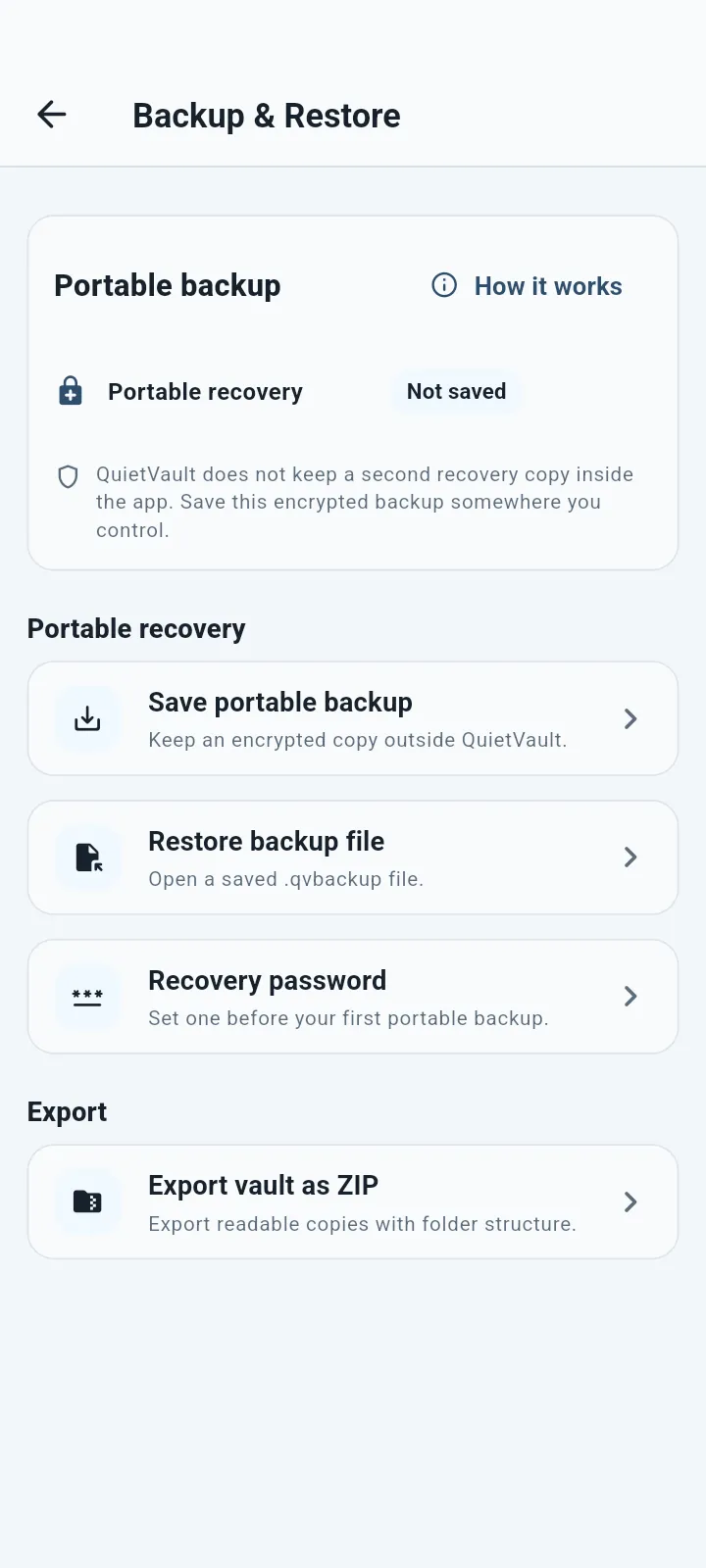
Browse files, organize folders and keep an encrypted backup from one clear app.
What you can do
Keep documents, photos, videos, receipts, IDs and scans encrypted on your device, with simple tools to organize, view, find and export them.
Protect PDFs, documents, archives and other private files.
Create private folders, then organize files with tags, favorites and archive.
Keep personal photos, images and supported videos inside your vault.
Store IDs and records, then preview many common PDF, Office and text formats inside the app.
Save an encrypted backup outside the app before uninstalling or changing devices.
No QuietVault account and no hosted QuietVault cloud vault.
Good for
QuietVault protects the copy you place inside the vault. If you keep the original elsewhere, manage that copy separately.
Common questions
QuietVault protects the copy inside the vault. If you keep an original outside QuietVault, manage that copy separately.
No. You can create and use your vault without a QuietVault account.
Yes. Supported Face ID, Touch ID or fingerprint quick unlock is free.
Common examples include PDF, DOC, DOCX, RTF, XLS, XLSX, PPT, PPTX, text and data files, images, audio and video. Exact support depends on the file and device.
Available for Android, iPhone, iPad and Mac.