Local-first private storage

Lock private files. Keep them yours.

QuietVault is an offline encrypted file vault for documents, photos, images, videos, IDs, receipts, scans and other sensitive files. Organize them in secure folders, protect access with a PIN or supported biometrics, and stay in control—without a QuietVault account or hosted cloud vault.

No QuietVault account Local encryption One-time Premium
QuietVault shield and lock app logo
QuietVaultPrivate storage
Offline protectionYour vault stays local
Encrypted locallyPrivate files remain protected at rest
Securely organizedFolders, tags, favorites and archive
Private searchFind supported content inside your vault
Offline-firstVault content stays on your device
Encrypted locallyPrivate files remain encrypted at rest
AccountlessNo QuietVault sign-in or hosted vault
Calmly organizedFolders, tags, favorites and archive

Private by focus

Sensitive files deserve a private place

Personal documents, private photos, scans, IDs and receipts often end up scattered across downloads, camera rolls and shared folders. QuietVault gives them a dedicated local home—organized for privacy without forcing your vault into a hosted service.

Documents & PDFs

Contracts, certificates, statements and personal records.

Photos & images

Private pictures, reference images and scanned copies.

IDs & receipts

Identity references, invoices, receipts and proof of purchase.

Audio & video

Sensitive recordings and personal media supported by the viewer.

Everything in its place

File, folder, document, photo and mediaprotection—without the noise

QuietVault combines an encrypted document vault, photo vault, secure folder organizer and private file viewer in one local-first utility.

01

Protect

A private file lock built around local control

Secure sensitive files behind your vault credential. QuietVault encrypts vault content locally and supports protective controls that vary by platform and device.

PIN or password lock

Lock access to documents, photos and other private files.

Biometric unlock

Use supported device biometrics for a faster protected unlock.

Privacy controls

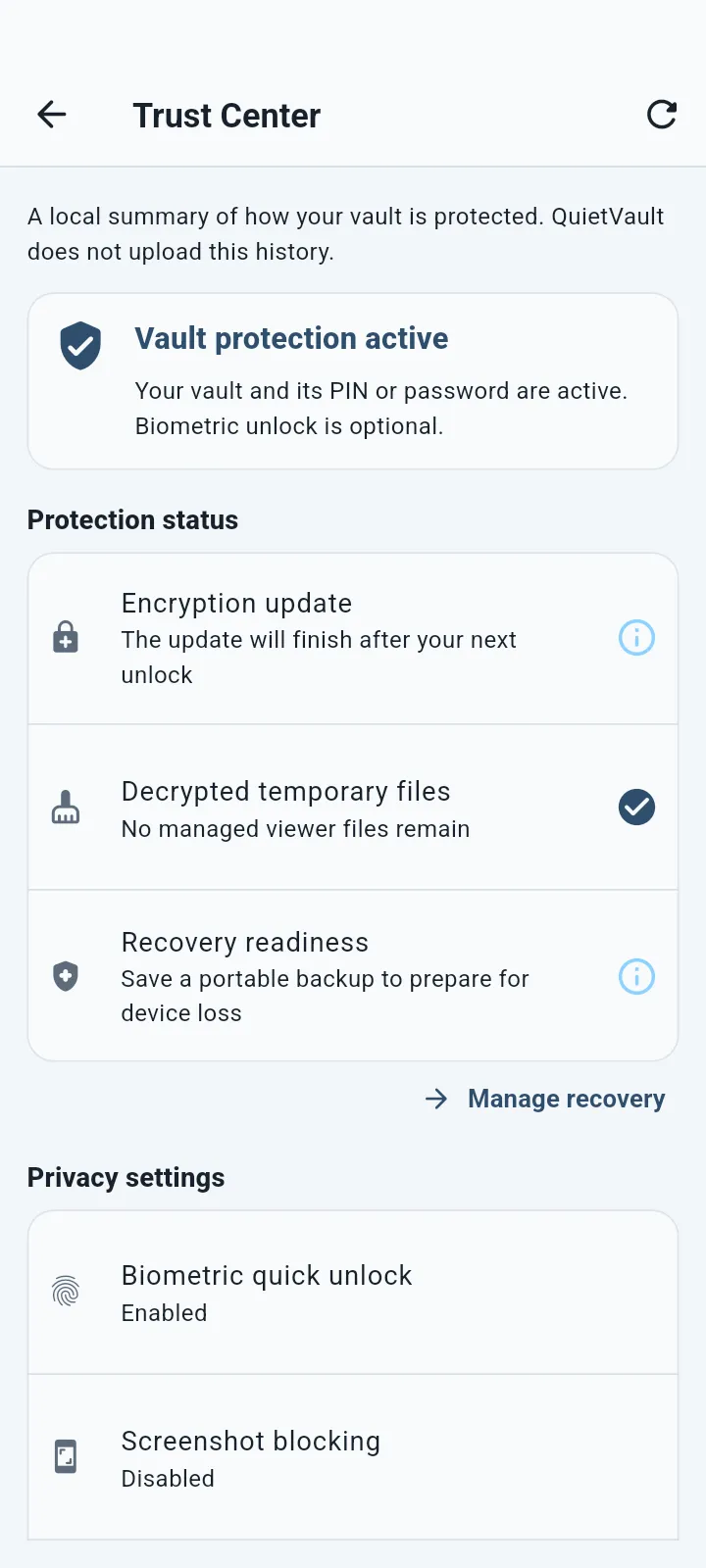
Reduce unwanted screenshots and app-switcher previews where the platform supports it.

02

Organize

Turn scattered files into a calm secure folder system

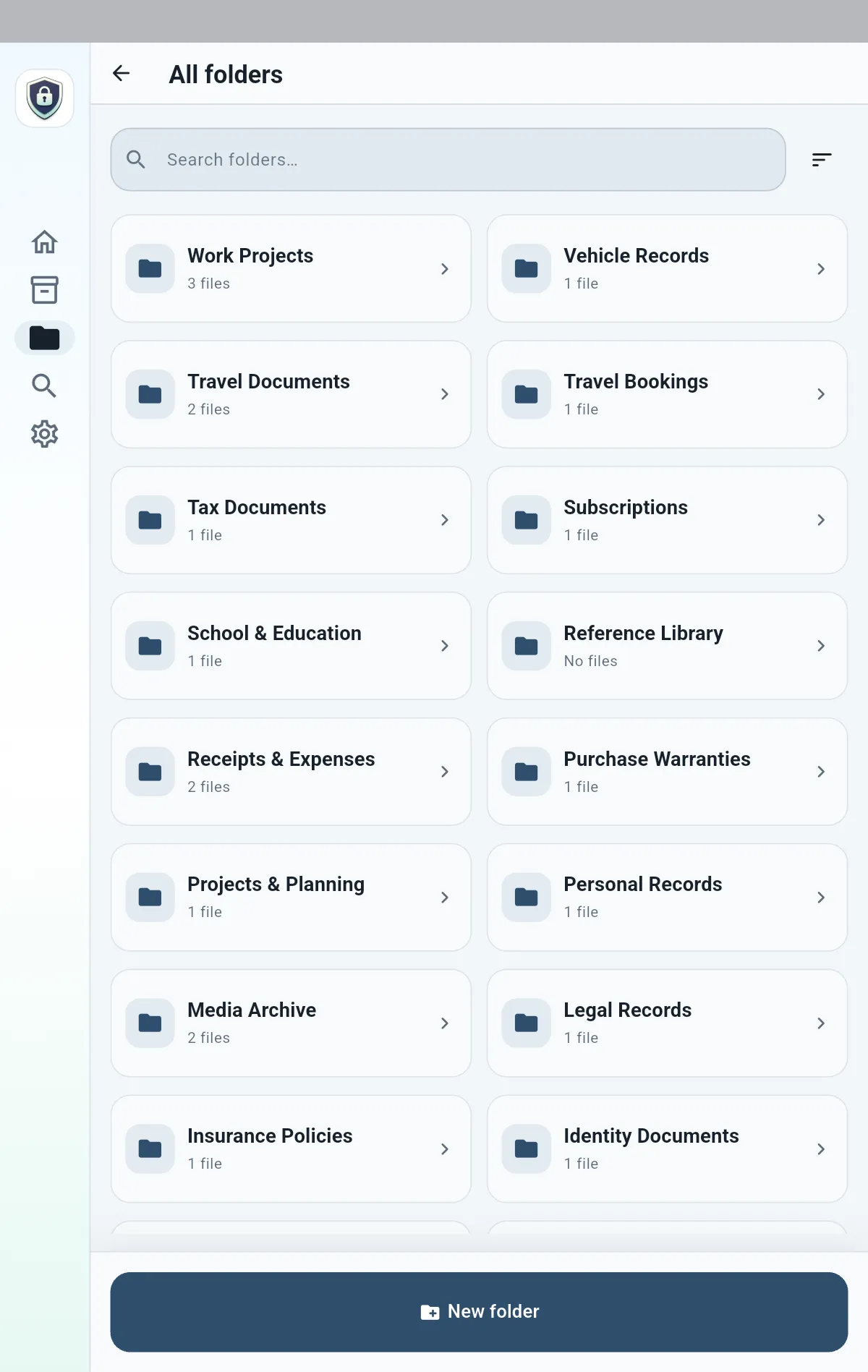
Create private folders, add tags, mark favorites, review recent items and archive content without giving up the focus of a dedicated vault.

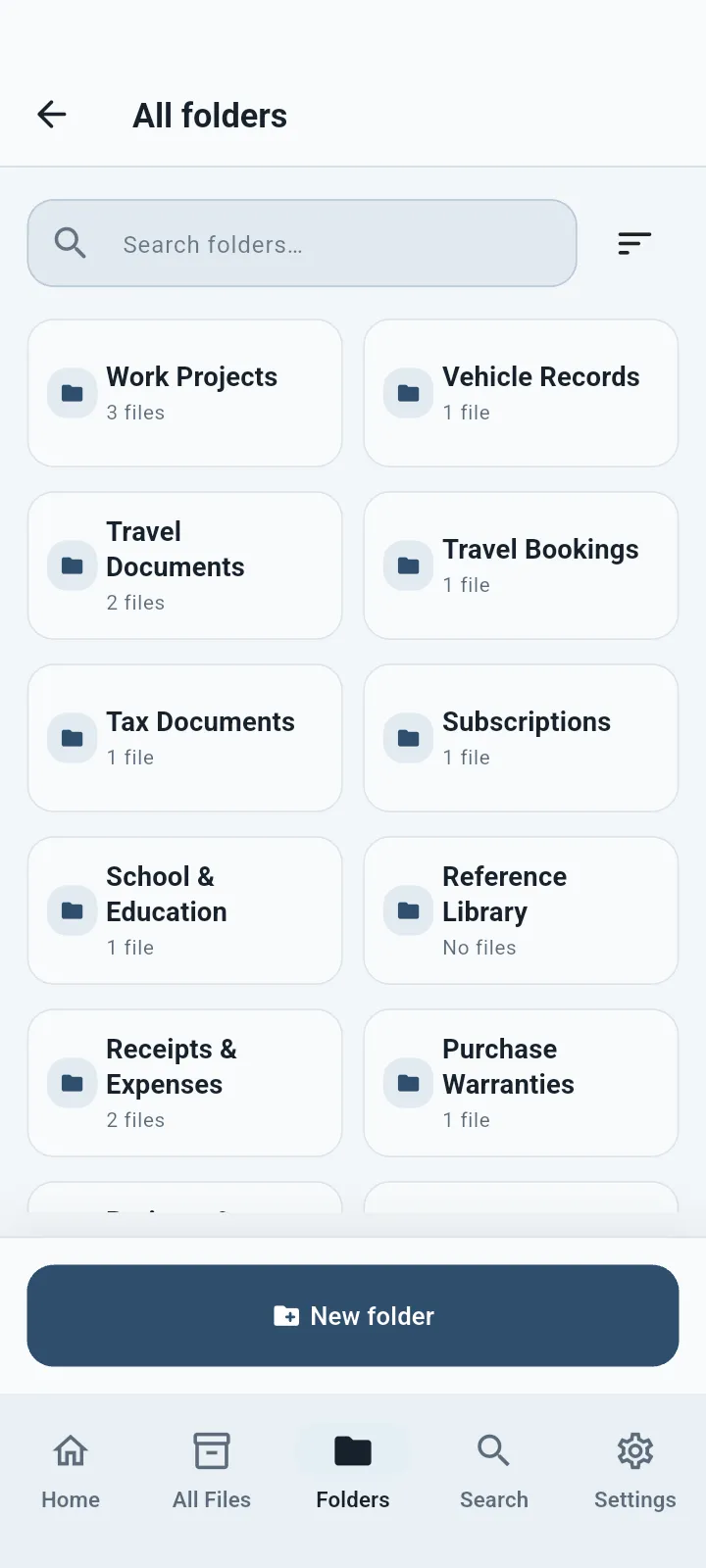
Secure folders

Group IDs, records, receipts, images, PDFs and personal documents.

Tags and favorites

Add flexible labels and keep important items close at hand.

Archive and review

Move older items aside while keeping them available inside the vault.

03

Import & capture

Bring in photos, files and paper documents

Add content from your device, capture paper with the supported document scanner, and review private OCR suggestions locally when Smart Capture is enabled.

Files and photos

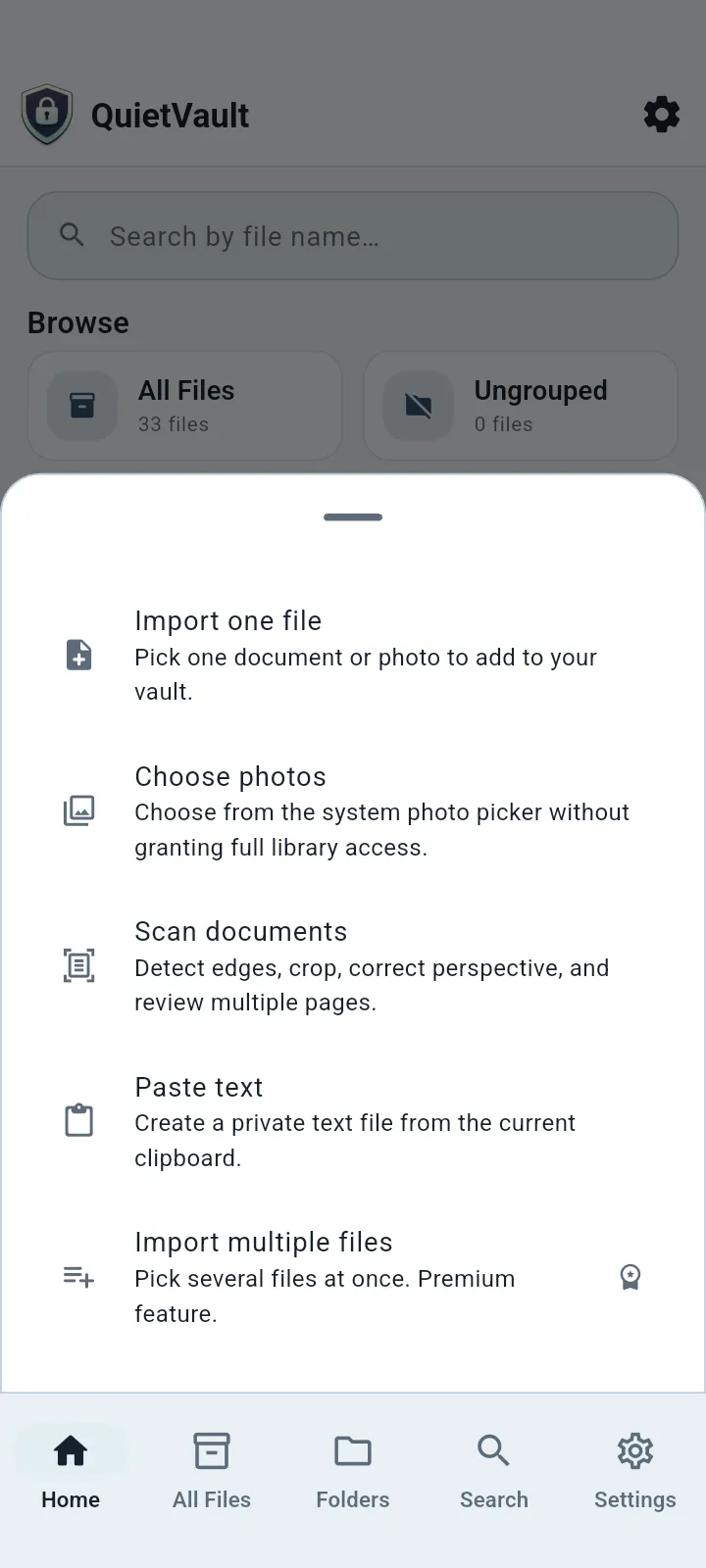
Import individual items or multiple files from supported pickers.

Document scanning

Capture paper documents and review scans before adding them to the vault.

Private text recognition

Use supported on-device OCR and structured suggestions without semantic search claims.

04

Find, view & recover

Find the right private document when you need it

Search your vault, review duplicates, open supported media, export selected content, and create user-controlled local recovery material.

Private search

Search names, organization and supported extracted text within the local vault.

Secure viewer

View PDFs, images, audio and video formats supported by your platform.

Export and local recovery

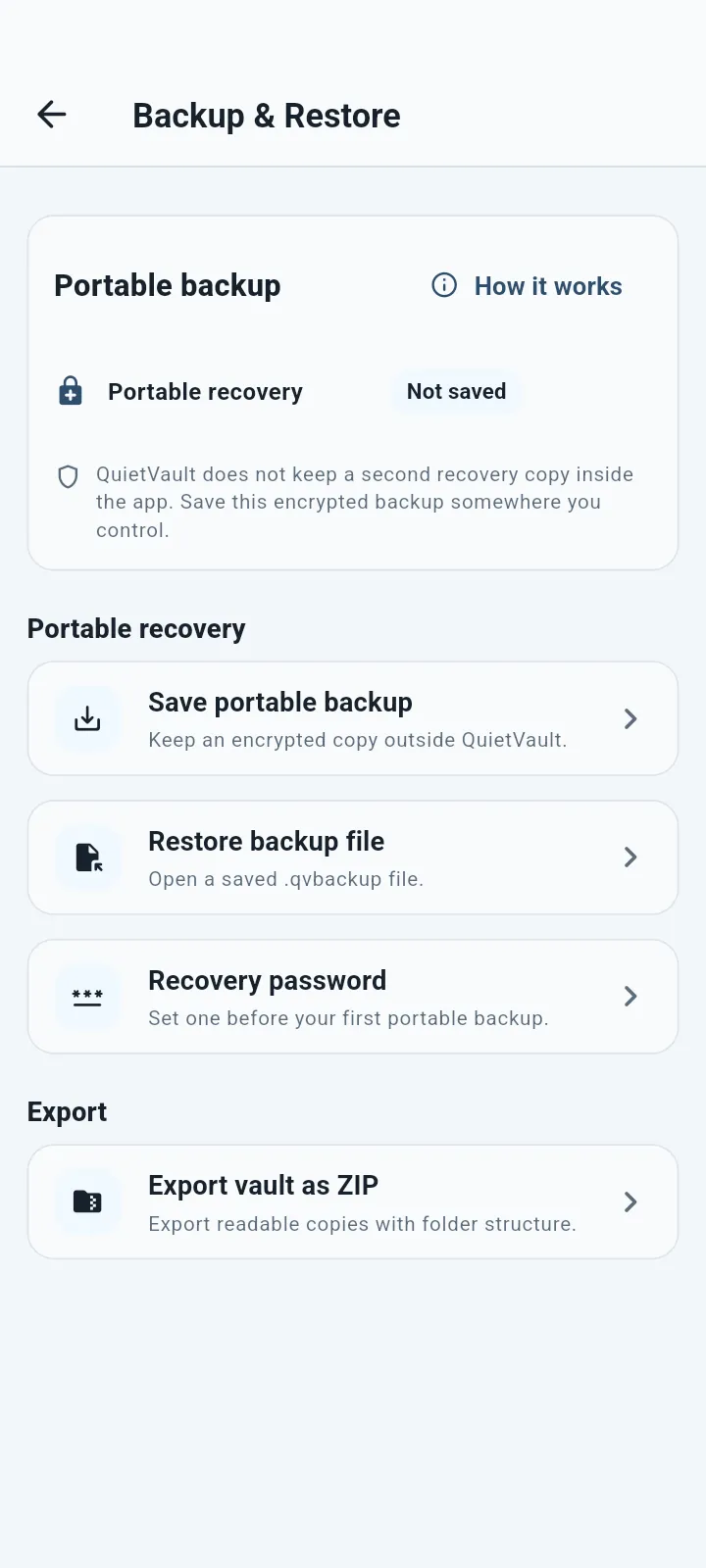
Export selected files and use supported encrypted local backup and recovery workflows.

A clear privacy boundary

Your vault is local. The product promise is precise.

QuietVault does not enable a hosted QuietVault cloud or require a QuietVault account in the current release. Purchase processing stays with the native app store, and the website adds no analytics or advertising by default.

Read the privacy policy

No QuietVault account

Set up the local vault without creating a product account.

Encrypted local storage

Vault files and supported metadata stay inside the app's encrypted local boundary.

Store-managed purchases

Google Play or Apple processes and restores eligible store ownership.

No advertising

No ads, tracking pixels or cookie-based website analytics are added.

How QuietVault works

From scattered private files to aprotected local vault

A simple workflow for storing, organizing, finding and recovering sensitive content.

  1. 01

    Add private files

    Import documents, photos, images and media—or capture paper with the supported scanner.

  2. 02

    Organize and protect

    Use secure folders, tags, favorites, archive and protected access controls.

  3. 03

    Find and view

    Search locally and open supported PDFs, images, audio and video in the vault viewer.

  4. 04

    Export or recover

    Use supported user-controlled export, encrypted local backup and recovery workflows.

Screenshot showcase

QuietVault across its core private workflows

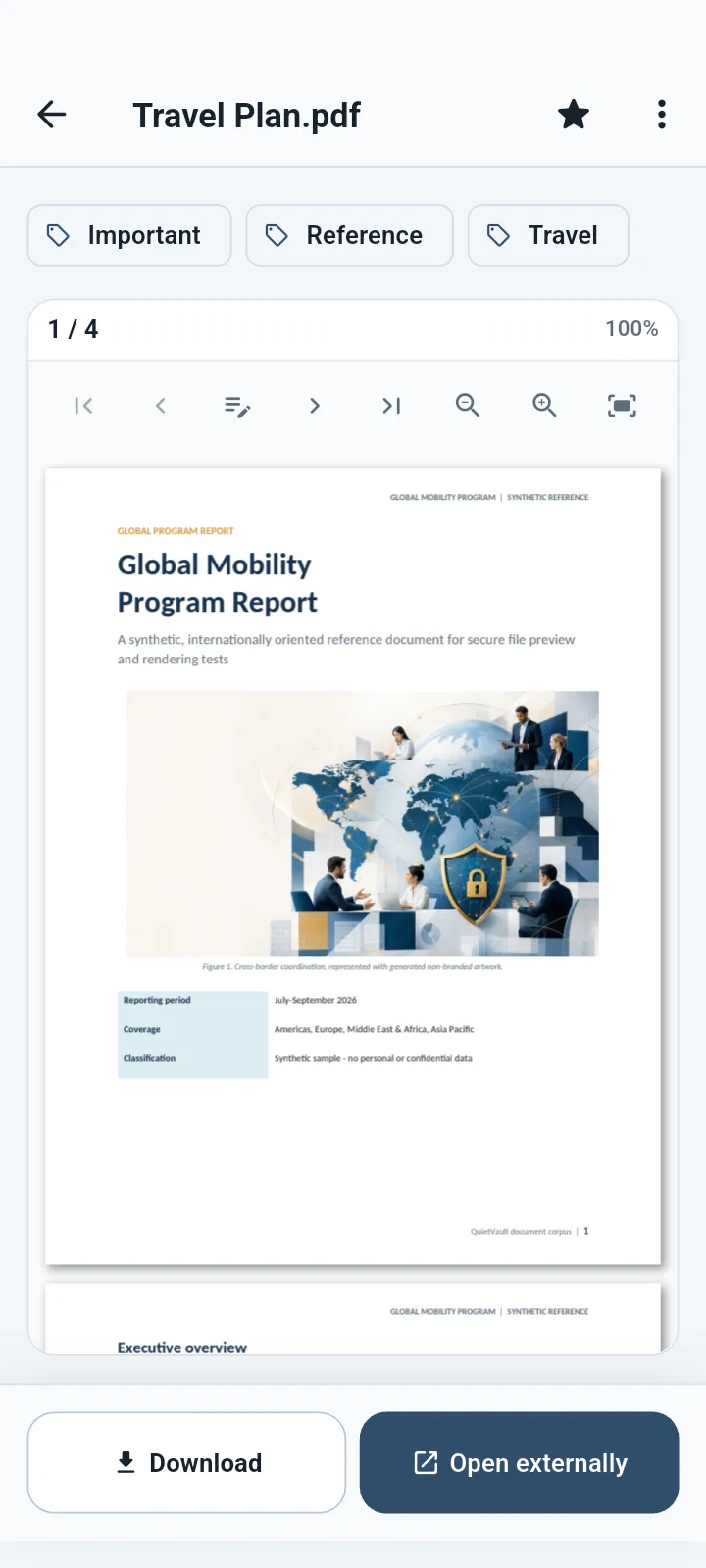
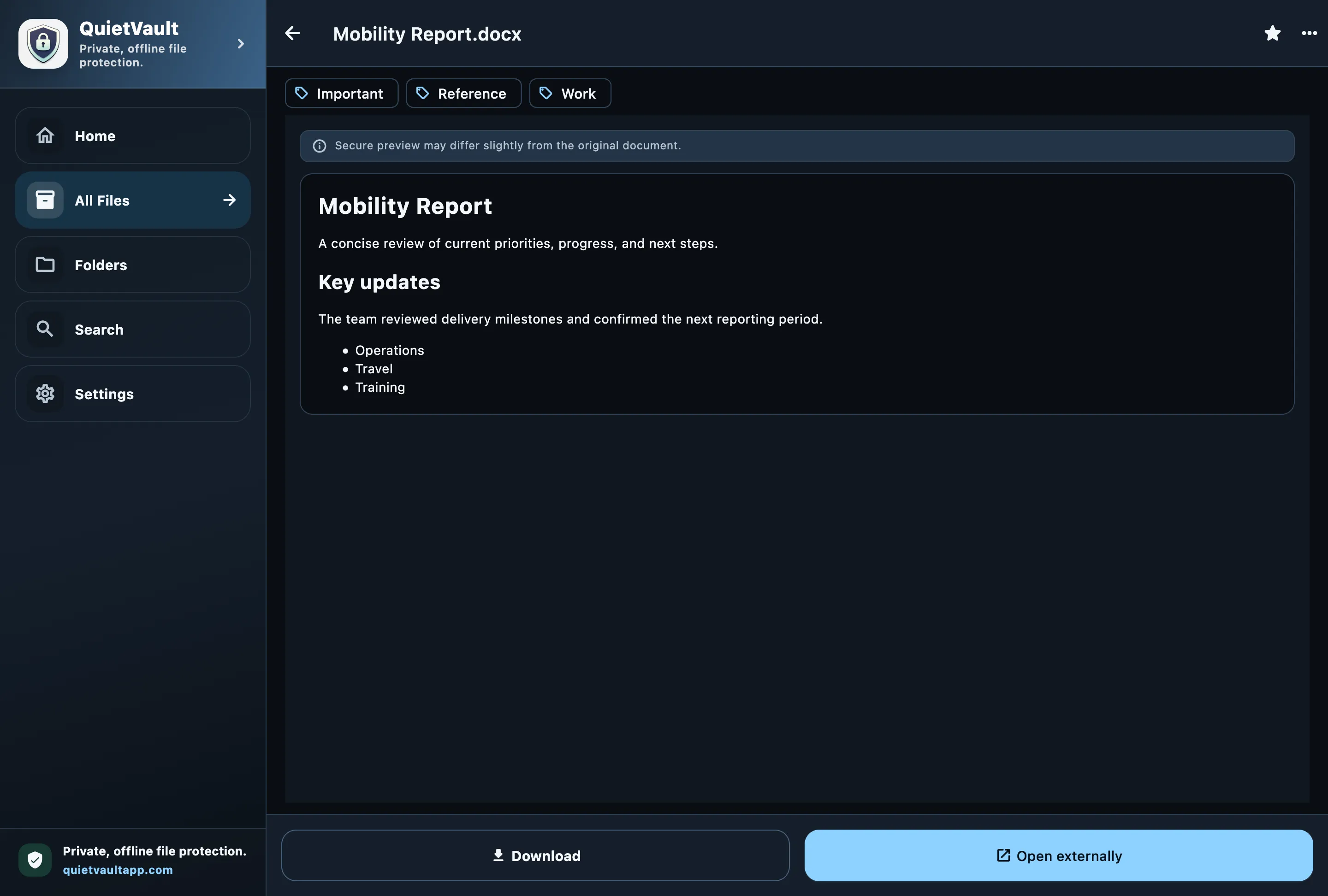
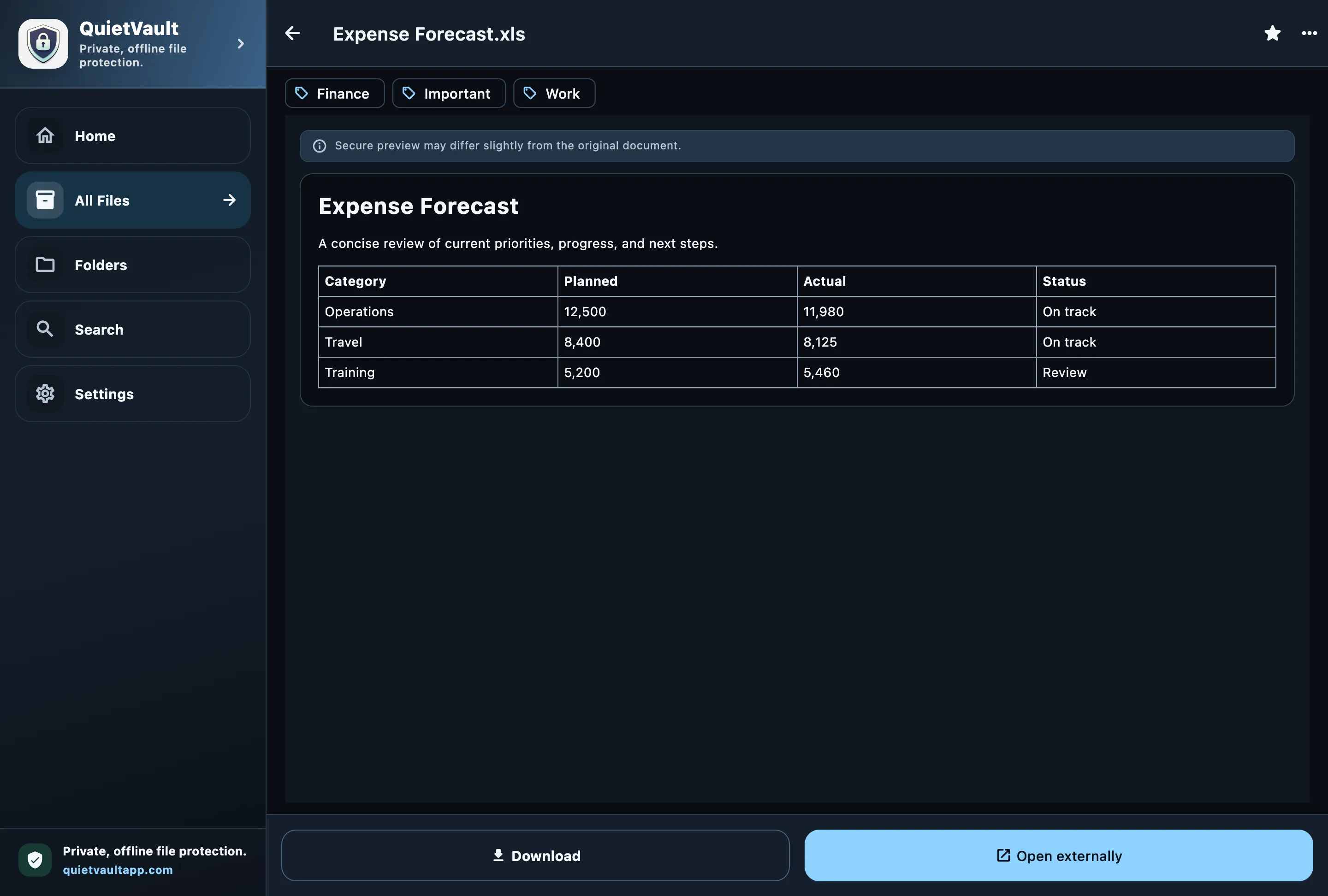
Explore real QuietVault screens for organizing, locking, finding, viewing, importing and recovering private files on your device.

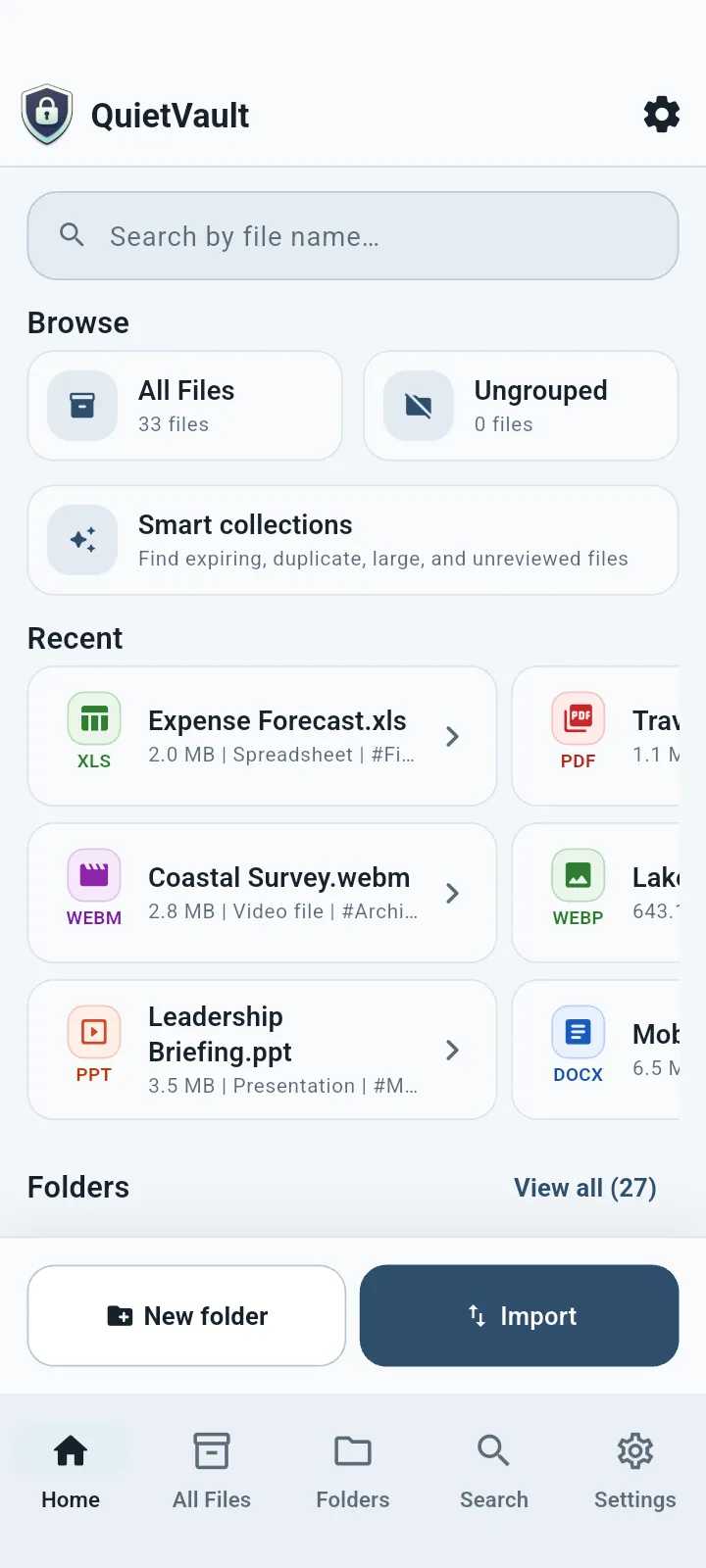
Vault home screen in the QuietVault app
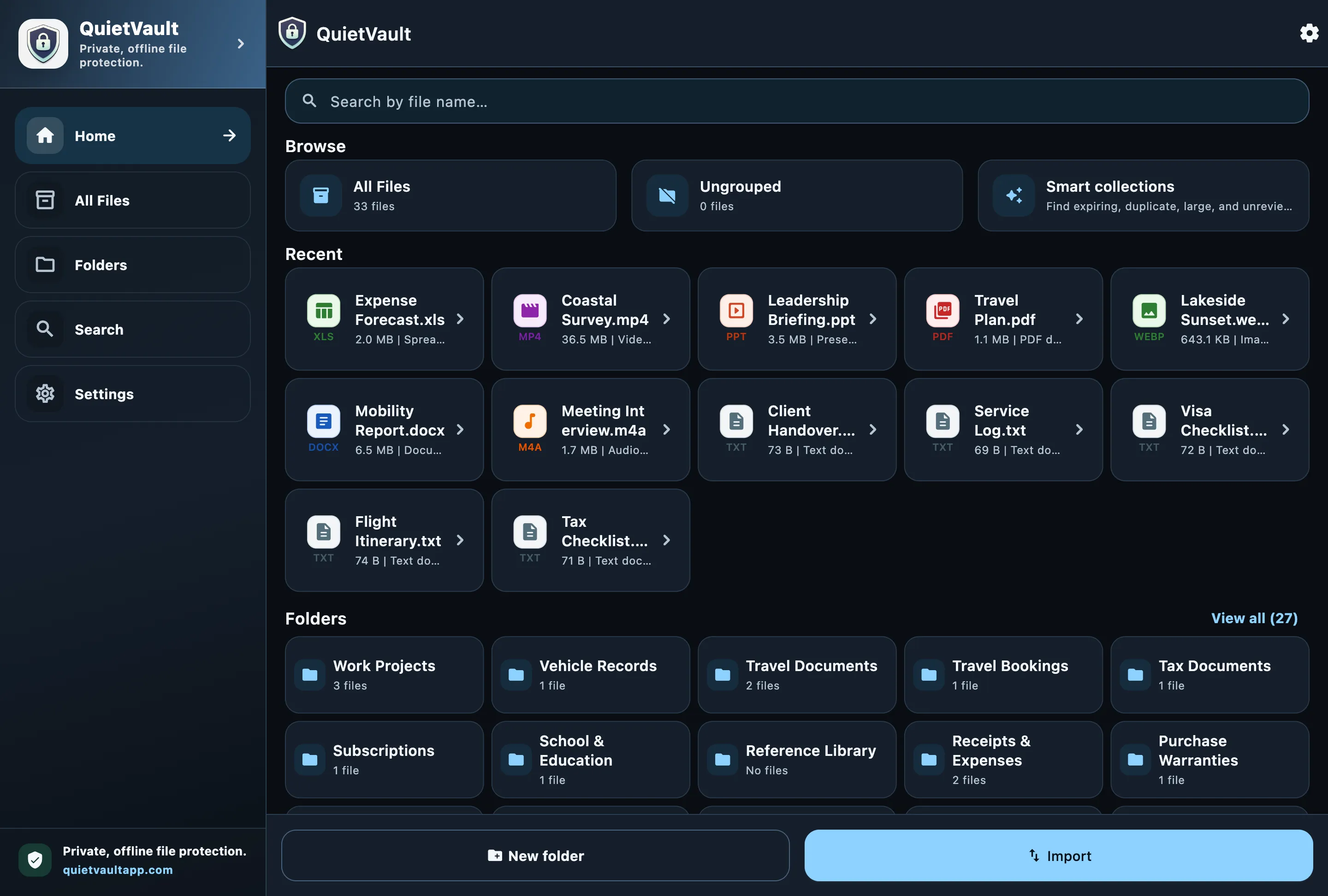
Vault homeA calm overview of private files, folders and recent items.
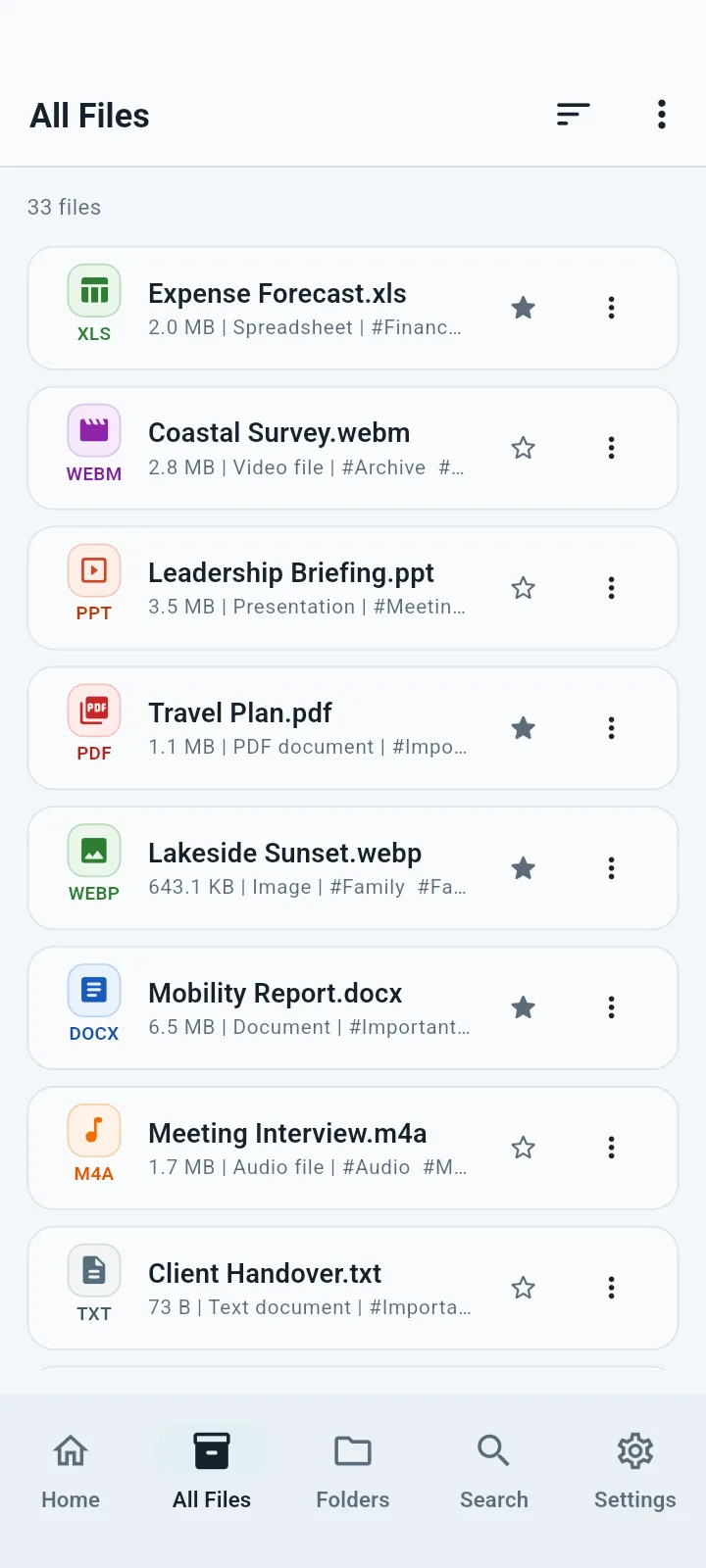
Folders & tags screen in the QuietVault app
Folders & tagsSecure folder organization with tags, favorites and archive controls.
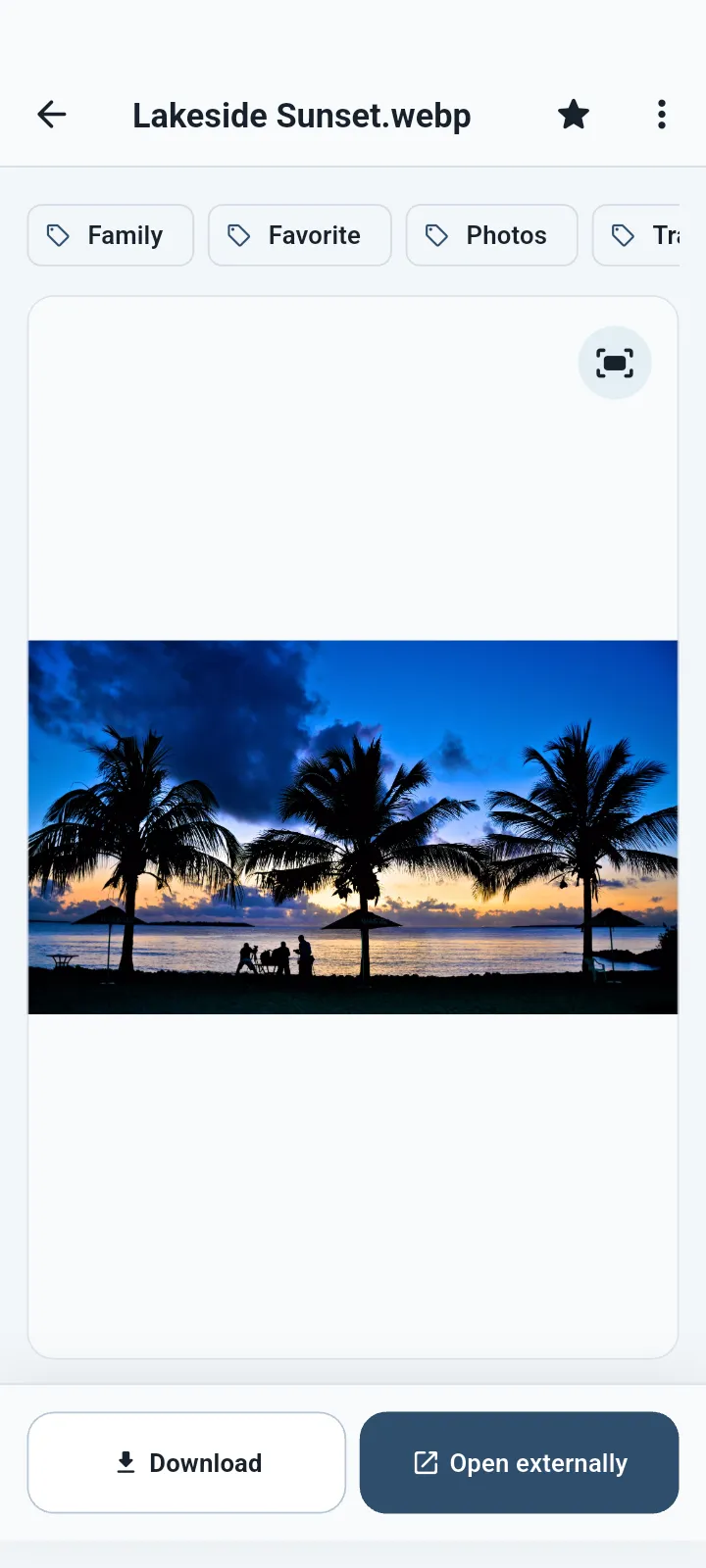
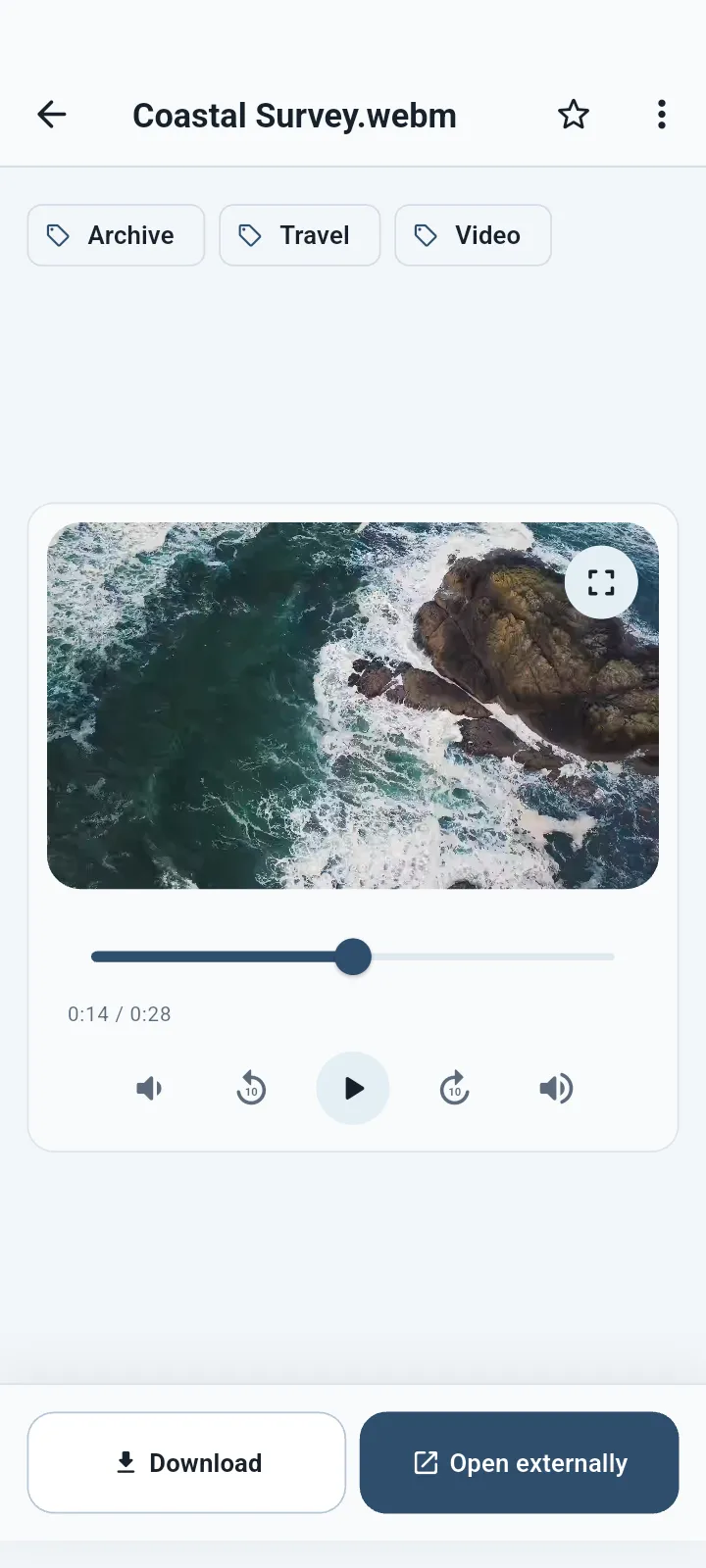
Secure viewer screen in the QuietVault app
Secure viewerProtected viewing for supported documents, images and media.
Import & scan screen in the QuietVault app
Import & scanFile, photo and document capture review before vault import.
Flexible import options screen in the QuietVault app
Flexible import optionsAdd files, choose photos, scan documents or create private text files.
Private search screen in the QuietVault app
Private searchFast local search and smart organization without semantic-search claims.
File actions & protection screen in the QuietVault app
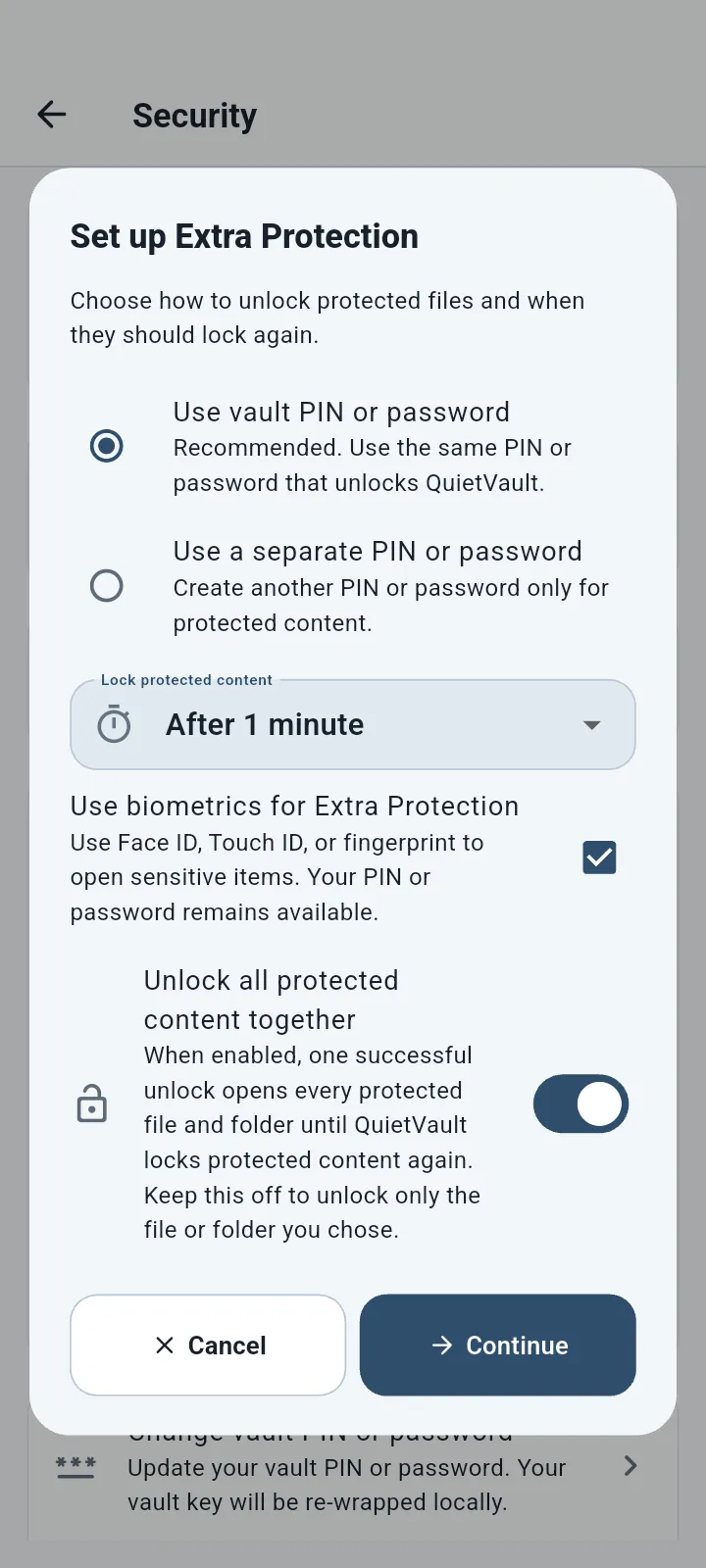
File actions & protectionOpen, download, organize and add extra protection to sensitive items.
Security settings screen in the QuietVault app
Security settingsLock, biometric and supported privacy-control settings.
Protected vault access screen in the QuietVault app
Protected vault accessPIN and supported biometric access keep the local vault locked.
Local backup & recovery screen in the QuietVault app
Local backup & recoveryUser-controlled encrypted local backup and recovery workflows.
Recovery password screen in the QuietVault app
Recovery passwordA user-controlled password protects local recovery checkpoints.
Premium Lifetime screen in the QuietVault app
Premium LifetimeThe single one-time Premium product and Restore Purchases path.

QuietVault Premium Lifetime

One purchase. Advanced local features.No subscription.

Premium Lifetime is a one-time in-app purchase. It does not create a QuietVault account, include hosted cloud storage or transfer ownership between different app stores.

  • One-time purchase with localized store pricing
  • Restore Purchases through the owning store account
  • Local entitlement available for verified offline relaunch
  • No subscription and no hosted cloud entitlement
View download options
QuietVault logoPremium LifetimeOne-time · Store/account scoped

Available through verified stores

QuietVault for mobile and supported Apple devices

Download through Google Play or the Apple App Store. Exact device compatibility, store availability and feature support can vary by platform, region and operating-system version.

Mobile Tablet Supported desktop

Frequently asked questions

Clear answers about locking files, privacy, purchases and recovery

The answers below reflect the current accountless, local-first QuietVault release boundary.

Does QuietVault require an account?

No. The current QuietVault release is accountless. You do not create or sign in to a QuietVault account to use the local vault or restore an eligible store purchase.

Are my files uploaded to QuietVault servers?

No hosted QuietVault cloud is enabled in the current release. Vault files remain on your device in encrypted local storage. Store and operating-system providers may still receive the traffic needed for downloads, purchases, permissions and platform services.

What happens if I forget my PIN or password?

Lunexa Labs cannot read your encrypted vault or recover a forgotten credential. Use any recovery material you created in the app. If no supported recovery path is available, resetting local vault data may be the only option and permanently removes local content.

Do legacy four-digit PINs still work after upgrading?

Yes. Existing legacy 4–6 digit PINs remain unlockable after upgrade. A newly created or changed PIN must contain 6–12 digits.

Is QuietVault Premium a subscription?

No. The current product is QuietVault Premium Lifetime, a one-time in-app purchase. Store pricing is localized and appears in the app before purchase.

Can I restore a Lifetime purchase?

Yes, use Restore Purchases while signed in to the same app-store account that owns the purchase. Restoration depends on the applicable store confirming ownership.

Does one store purchase transfer to another store?

No. Lifetime ownership is scoped to the store platform and account that made the purchase. QuietVault does not currently provide cross-store entitlement portability.

What happens if I uninstall QuietVault?

Uninstalling or clearing app data can remove the local encrypted vault. A restored store purchase unlocks features; it does not restore private files. Create and verify a supported local backup before uninstalling, resetting or changing devices.

How should I prepare before changing devices?

Create a current encrypted local backup or Recovery Kit through the supported in-app workflow, keep its credential and files separate and safe, and verify that you can access the material before changing or resetting a device.

Which file types can QuietVault view?

QuietVault includes viewers for supported PDF, image, audio and video formats. Exact format and codec availability can vary by operating system. Unsupported files can still be stored and may be exported for use in another app.

How do I contact support?

Email support@quietvaultapp.com with your QuietVault version, operating system, device type and a description of the issue. Never include your PIN, password, recovery secrets, purchase tokens or private files.

A quieter place for private files

Secure documents, lock photos and organize sensitive files—on your terms.

Start with a dedicated offline vault designed for local control, clear boundaries and calm organization.

Choose your store